Every PDF Tool You Need, Free
Merge, split, compress, edit, sign and convert PDFs right in your browser. Your files are processed on your device — never uploaded, never stored.
50 of 50 tools
Merge PDF
Combine multiple PDF files into one document
Compress PDF
Reduce PDF file size while maintaining quality
Edit PDF
Add text, white-out, highlights and images to a PDF
PDF to Word
Convert PDF to an editable Word document (.docx)
PDF to Image
Convert PDF pages to JPG or PNG images
Image to PDF
Convert images (JPG, PNG) to a PDF document
Split PDF
Split a PDF into multiple files by page or range
Sign PDF
Add a signature to your PDF
Unlock PDF
Remove restrictions from PDF files
PDF to Text
Extract and convert PDF files to editable text format
Add Watermark
Add custom text watermark to PDF pages
Rotate PDF
Rotate PDF pages 90°, 180°, or 270°
Extract PDF Pages
Extract specific pages into a new PDF
PDF Word Counter
Count words, characters and pages in your PDF files
Markdown to PDF
Render Markdown as a formatted PDF
Edit PDF Metadata
Modify PDF title, author, and other metadata
Encrypt PDF
Add password protection to PDF files
Fill PDF Form
Fill out PDF form fields online
Add Header & Footer
Add custom header and footer text to PDF pages
Add Background to PDF
Add color or image background to PDF pages
Overlay PDF
Overlay one PDF on top of another
Remove Annotations
Remove comments, highlights and markup from PDF
Delete PDF Pages
Remove unwanted pages from your PDF
Add Page Numbers
Add page numbers to PDF documents
Text to PDF
Convert plain text to a PDF document
HTML to PDF
Convert HTML markup to a PDF document
CSV to PDF
Convert CSV data to a formatted table PDF
JSON to PDF
Convert JSON data to a formatted PDF
PDF to HTML
Extract text from PDF as HTML
PDF to Markdown
Convert PDF text to Markdown format
PDF to JSON
Extract PDF text into structured JSON
PDF to SVG
Render PDF pages as SVG images
PDF to WebP
Convert PDF pages to WebP images
Reorder PDF Pages
Drag to rearrange pages in a PDF
Reverse PDF
Reverse the page order of a PDF
Duplicate PDF Pages
Duplicate selected pages in a PDF
Crop PDF
Crop margins from PDF pages
Resize PDF
Change PDF page dimensions
N-up PDF
Combine multiple pages onto one page
Blank PDF
Generate a blank PDF document
Add Image to PDF
Overlay an image on PDF pages
Add Text to PDF
Add custom text annotations to PDF pages
Highlight PDF
Add highlights to PDF pages
Stamp PDF
Add preset stamps to PDF pages
Add Links to PDF
Add clickable hyperlinks to PDF pages
PDF Info
View PDF metadata and document properties
Extract Images from PDF
Extract embedded images from a PDF
Extract Links from PDF
List all hyperlinks in a PDF
PDF Grayscale
Convert color PDF to grayscale
Flatten PDF
Flatten form fields and annotations
Why Choose iHatePDF?
iHatePDF is a free set of online PDF tools that run entirely in your browser. • Merge, split, rotate and reorder pages • Compress PDFs and convert PDF to JPG, Word or text • Edit PDF: add text, white-out, highlight, images and signatures • Count words, characters and pages in any PDF • Files never leave your device — no upload, no server • No signup, no watermark, no daily limit Built for students, office workers and anyone who just needs a PDF fixed quickly.
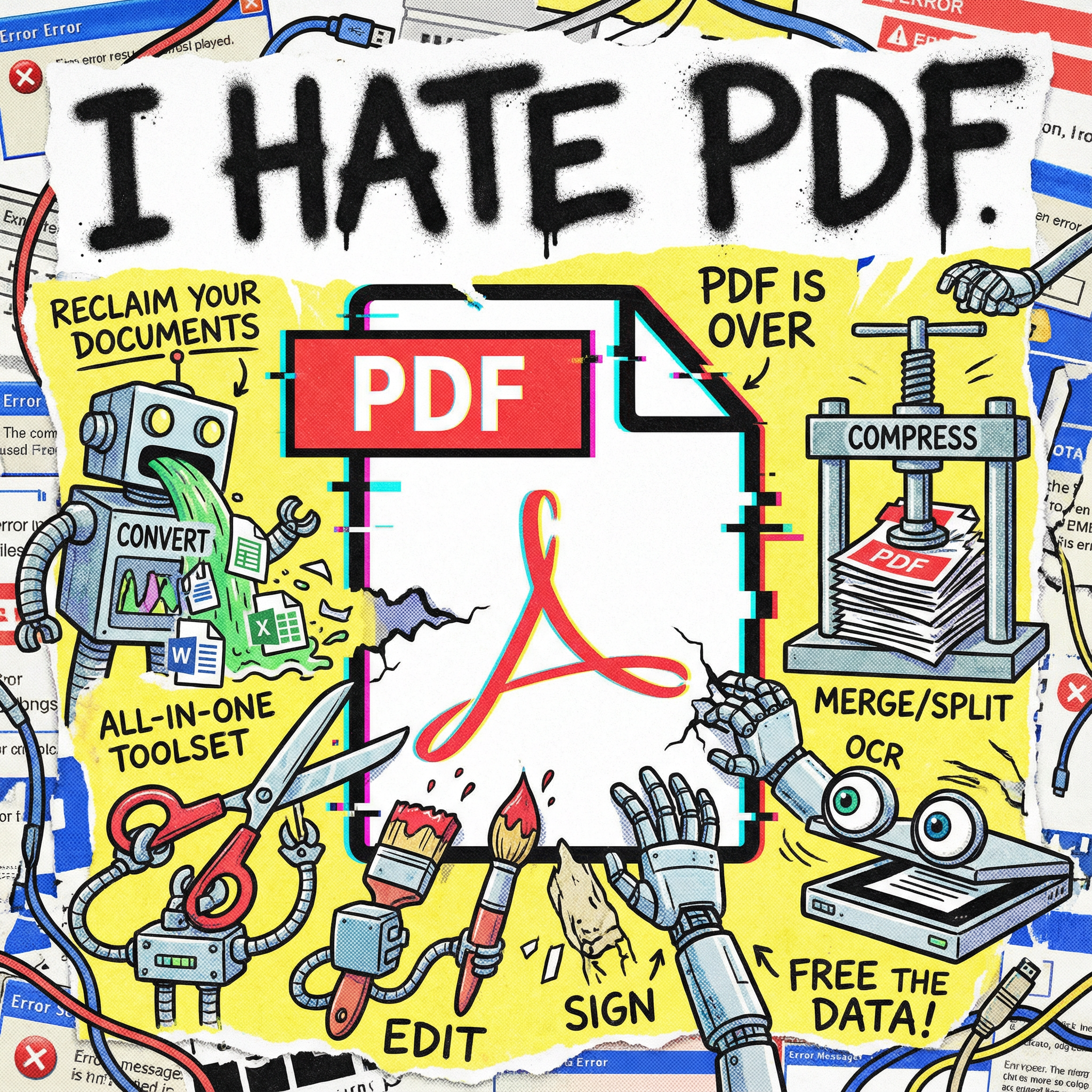
Core Features
Organize & Compress
Merge, split, rotate, reorder and delete pages, or shrink a PDF so it fits an email or upload form.
Edit & Sign
Add text, white-out mistakes, highlight passages, insert images and sign documents without installing anything.
Convert
Turn PDFs into Word, JPG, PNG, text, Markdown or HTML — and images, text or Markdown back into PDF.
Private by Design
Every tool runs locally in your browser. Your documents are never uploaded to a server, so nobody else can see them.
Frequently Asked Questions
Yes. Every tool is free to use with no signup, no watermark and no daily limit.
No. All processing happens inside your browser using JavaScript (PDF.js and pdf-lib). Your files never leave your device, which is why iHatePDF also works for confidential documents.
No, iHatePDF is an independent site. It covers the same everyday jobs — merge, split, compress, edit, sign, PDF to Word, PDF to JPG — but runs them locally in your browser instead of uploading your files.
No installation needed. All tools work in any modern browser on Windows, Mac, Linux, Android and iPhone.
There is no fixed limit because nothing is uploaded. The practical limit is your device's memory — most phones handle PDFs of a few hundred pages, and desktops can handle much larger files.
Use Edit PDF to white-out the old text and type new text on top, which works for most corrections. If you need to rewrite whole paragraphs, convert the file with PDF to Word, edit it in Word or Google Docs, and save it back as PDF.
Ready to Fix Your PDF?
Pick a tool above and get it done in seconds. No registration, no upload, no watermark.